AI Coding Assistants Riddled with Security Holes, Researchers Warn
Popular AI-powered coding tools are exposing developers to serious risks, a new study reveals. Researchers have discovered over 30 vulnerabilities in these intelligent IDEs, finding that attackers could exploit prompt injection and other weaknesses to steal sensitive data and even remotely execute code on compromised systems.
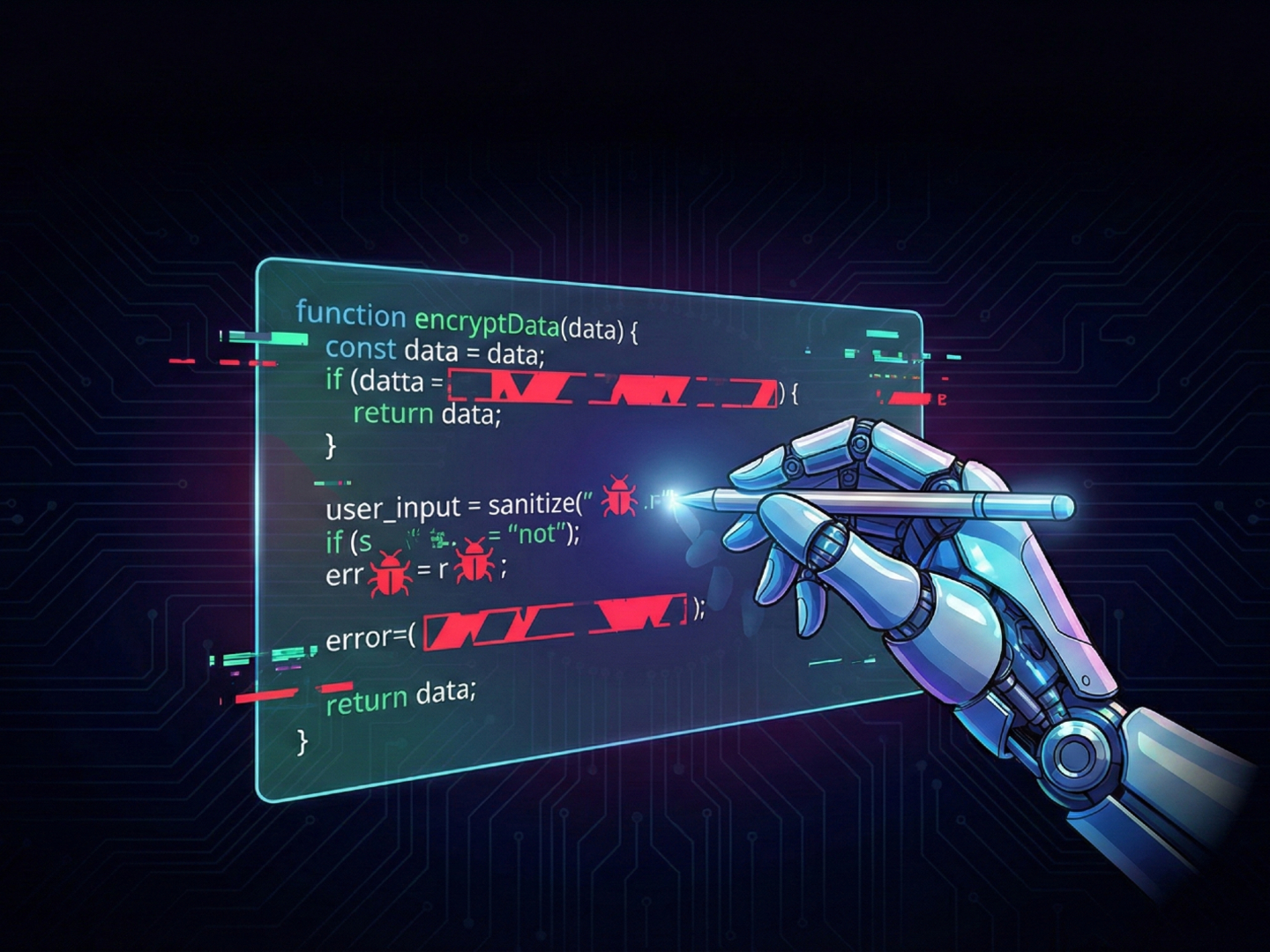
Over 30 security holes have been found in AI-driven Integrated Development Environments (IDEs). Turns out, attackers can combine prompt injection tricks with normal IDE features to steal data and even run code remotely. Yikes!
What is "IDEsaster?"
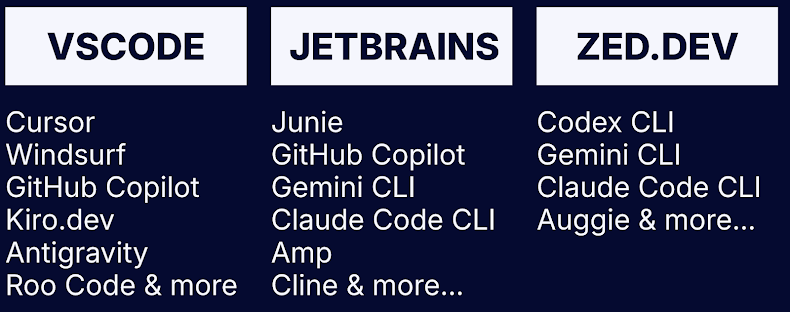
Security researcher Ari Marzouk (MaccariTA) has dubbed these flaws "IDEsaster." They're lurking in popular IDEs and extensions like Cursor, Windsurf, Kiro.dev, GitHub Copilot, Zed.dev, Roo Code, Junie, and Cline. A whopping 24 of these issues have been assigned CVE identifiers, meaning they're officially recognized vulnerabilities.
"I think the fact that multiple universal attack chains affected each and every AI IDE tested is the most surprising finding of this research," Marzouk told The Hacker News.
Here's the kicker: "All AI IDEs (and coding assistants that integrate with them) effectively ignore the base software (IDE) in their threat model. They treat their features as inherently safe because they've been there for years. However, once you add AI agents that can act autonomously, the same features can be weaponized into data exfiltration and RCE primitives."
The Anatomy of an IDEsaster Attack
So, how does this "IDEsaster" work? It's basically a chain reaction involving three key elements:
- Prompt Injection: Tricking the AI (Large Language Model or LLM) into doing what the attacker wants.
- Auto-Approved Tool Calls: The AI agent automatically performs actions without asking you.
- Weaponized IDE Features: Legitimate IDE features are exploited to leak data or execute malicious commands.
Think of it this way: It's not just about exploiting a single vulnerability. It's about chaining together weaknesses to bypass security measures.
What makes IDEsaster notable is that it takes prompt injection primitives and an agent's tools, using them to activate legitimate features of the IDE to result in information leakage or command execution.
Context hijacking can be pulled off in myriad ways, including through user-added context references that can take the form of pasted URLs or text with hidden characters that are not visible to the human eye, but can be parsed by the LLM. Alternatively, the context can be polluted by using a Model Context Protocol (MCP) server through tool poisoning or rug pulls, or when a legitimate MCP server parses attacker-controlled input from an external source.
Examples of IDEsaster Attacks
Here are a few examples of what attackers can do with this exploit chain:
- CVE-2025-49150 (Cursor), CVE-2025-53097 (Roo Code), CVE-2025-58335 (JetBrains Junie), GitHub Copilot (no CVE), Kiro.dev (no CVE), and Claude Code (addressed with a security warning) - Using a prompt injection to read a sensitive file using either a legitimate ("read_file") or vulnerable tool ("search_files" or "search_project") and writing a JSON file via a legitimate tool ("write_file" or "edit_file)) with a remote JSON schema hosted on an attacker-controlled domain, causing the data to be leaked when the IDE makes a GET request
- CVE-2025-53773 (GitHub Copilot), CVE-2025-54130 (Cursor), CVE-2025-53536 (Roo Code), CVE-2025-55012 (Zed.dev), and Claude Code (addressed with a security warning) - Using a prompt injection to edit IDE settings files (".vscode/settings.json" or ".idea/workspace.xml") to achieve code execution by setting "php.validate.executablePath" or "PATH_TO_GIT" to the path of an executable file containing malicious code
- CVE-2025-64660 (GitHub Copilot), CVE-2025-61590 (Cursor), and CVE-2025-58372 (Roo Code) - Using a prompt injection to edit workspace configuration files (*.code-workspace) and override multi-root workspace settings to achieve code execution
It's worth noting that the last two examples hinge on an AI agent being configured to auto-approve file writes, which subsequently allows an attacker with the ability to influence prompts to cause malicious workspace settings to be written. But given that this behavior is auto-approved by default for in-workspace files, it leads to arbitrary code execution without any user interaction or the need to reopen the workspace.
What Can You Do?
Marzouk suggests these precautions:
- Stick to trusted projects and files when using AI IDEs. Even filenames can be used for prompt injection attacks!
- Only connect to trusted MCP servers, and keep a close eye on them for any suspicious changes.
- Carefully review any sources (like URLs) you add, looking for hidden instructions.
For AI agent and IDE developers, the advice is to limit LLM tool privileges, minimize prompt injection risks, strengthen system prompts, use sandboxing for command execution, and conduct rigorous security testing.
More AI Vulnerabilities Emerge
This news comes alongside the discovery of other AI coding tool vulnerabilities, including:
- A command injection flaw in OpenAI Codex CLI (CVE-2025-61260).
- An indirect prompt injection in Google Antigravity.